StoryGraph · Node types
Start
Start is where a storyline begins. It’s a boundary marker: it takes no incoming wires and only sends, so the engine knows exactly where a thread’s clock starts ticking.
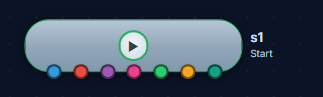
StartNode type
Marks where a storyline begins — it only emits.
Start is a boundary node with no incoming connections; every thread in the graph originates from one. It carries no content of its own — it simply anchors the head of a storyline so the rest of the graph has a beginning to hang off.
AffectsWhere a storyline’s timeline begins. It anchors the start of a thread; it doesn’t add a scene.
Wire itDrop one at the head of a storyline and wire it into the first beat. Use one per independent thread (a single spine, or one per POV in a multi-thread book).
Use-case variants
- Single spine — one Start feeds the main throughline
- Parallel threads — a Start per storyline when several arcs run at once (multi-POV)
A Start with nothing wired out of it is inert — connect it to the first beat.
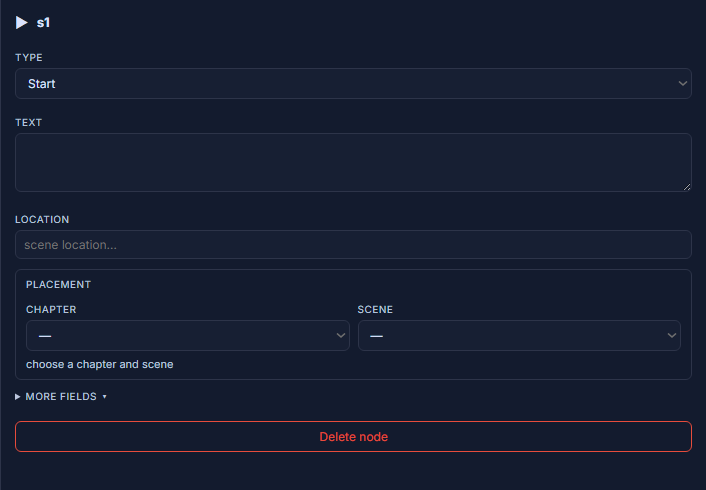
In the editor