
Billing & plans
Billing is where you pick a plan, top up, and see what you own. Storyum runs on coins: every AI action spends some, and your plan refills a coin allowance each month. This screen shows your current plan, lets you switch, and holds your three wallet balances.
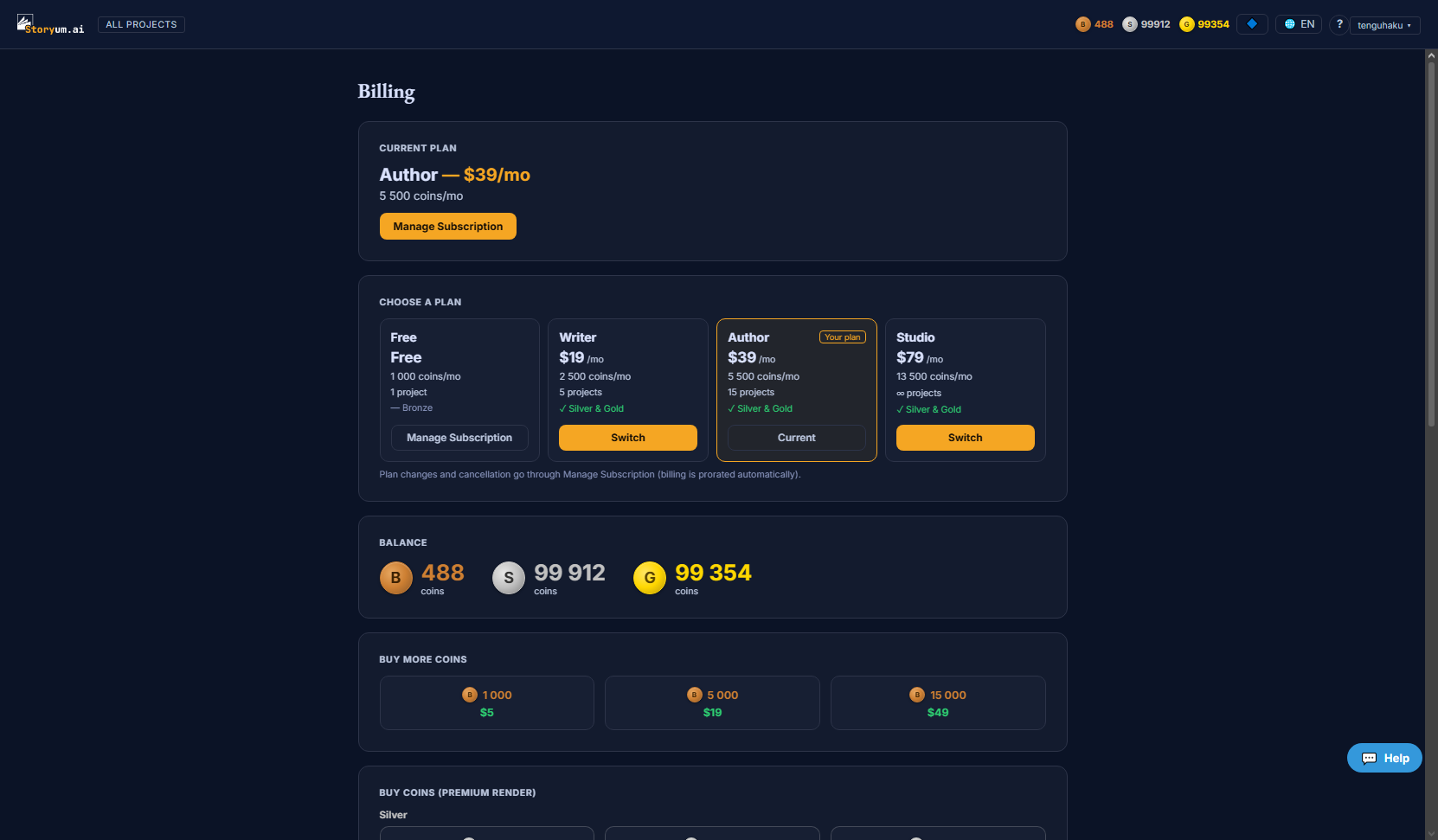
Your current plan
The top card names your plan, its monthly price and coin allowance. On a paid plan a Manage Subscription button opens the secure customer portal, where plan changes and cancellation are handled and billing is prorated automatically.
Choosing a plan
Choose a plan lays the tiers side by side — from a free tier up to the largest — each card showing:
- Price — the monthly price (Free is free)
- Coins / month — the coin allowance that refills each billing period
- Projects — how many books you can keep at once (some plans are unlimited)
- Quality tiers — whether the plan unlocks the Silver & Gold premium render tiers, or Bronze only
Your current tier is marked Your plan. From a free plan a paid tier shows Subscribe; once you’re paying, other tiers show Switch and route through the portal so the change is prorated.
Your three balances
Storyum has three wallets. Bronze coins are the everyday currency your plan refills and most actions spend. Silver and Gold stars pay for the premium render quality tiers — they’re a paid-plan feature, so on the free plan the store points you to the plans page instead.
Buying more
Buy More Coins offers one-off bronze coin packs on top of your monthly allowance, and — on a paid plan — Silver and Gold star packs for premium renders. Checkout runs in a secure overlay; your balance updates as soon as the payment clears. Every purchase and spend is listed in Transaction history below.